


Want to streamline your headless CMS projects? Setting up a CI/CD pipeline can help you automate deployments, reduce errors, and keep content and code perfectly synchronized. Here’s what you need to know:
- Why CI/CD Matters: Automates integration, testing, and deployment for faster, error-free releases.
- Key Benefits for CMS: Automated quality checks, parallel development, and simplified environment management.
- Core Steps: Build, test, and deploy processes tailored for headless CMS, including content model migrations.
- Essential Tools: GitHub Actions, Azure DevOps, Jest, Cypress, and Kubernetes for robust automation and testing.
Quick Tip: Treat your content models like database schemas – version them, migrate them, and keep them in sync with your code. This ensures seamless integration across development, staging, and production environments.
Ready to dive deeper? Let’s explore how to build and optimize your CI/CD pipeline for headless CMS projects.
Accelerating Website and App Development with a Git-based headless CMS
Planning Your CI/CD System
Once you understand how CI/CD can improve your headless CMS projects, the next step is selecting the right tools to achieve your goals [2].
Choosing CI/CD Tools
Pick tools that align with your project’s needs, technical limitations, and budget [2].
Here are some factors to think about:
- Build Performance: Look for tools that offer fast builds and efficient resource use. For instance, GitHub Actions supports parallel execution and caching to speed up processes [2].
- Integration Capabilities: Make sure your CI/CD system works smoothly with your headless CMS. GitHub Actions, for example, allows automated content model updates and component deployments [1].
Setting Project Requirements
Once you’ve chosen your tools, define your project needs to shape how your pipeline will work:
- Content Model Management: Set up your pipeline to handle automated updates for content models, especially if your project includes many content types [1].
- Environment Strategy: Create separate environments (like development, testing, and production) with automated deployments for both code and content updates. Use version control to maintain quality, even with distributed teams [1].
- Testing Requirements: Automate testing to ensure code quality while improving efficiency with quick feedback and streamlined checks [2].
Building Your CI/CD Pipeline
Set up an efficient CI/CD pipeline for headless CMS projects by organizing the build, test, and deployment processes.
Pipeline Steps: Build, Test, Deploy
Think of your CMS as a specialized database when designing your pipeline. Here’s a breakdown of the key stages:
- Build Stage
- Compile and bundle components
- Create and validate content models
- Generate test data
- Prepare migration scripts
- Test Stage
- Perform quality checks
- Validate content models
- Test component integration
- Verify migration scripts
- Deploy Stage
- Run content model migrations
- Deploy components
- Configure environment settings
- Validate the deployment
“A CI/CD pipeline provides the framework for automated quality checks and repeatable deployments.”
– Sam Hatoum, Founder of Xolv.io
These stages lay the groundwork for smooth environment management.
Managing Multiple Environments
Handling multiple environments effectively involves careful content deployment. Some key strategies include:
- Running migrations during the build process
- Using environment-specific configurations
Version Control and Recovery
Streamlining deployments is only part of the equation. Strong version control ensures both content and code are protected, with reliable recovery options in place.
Key Version Control Practices:
- Store content type definitions alongside UI components and use sequential migration numbering
- Log changes in migration tables
- Regularly back up content and configurations
For enterprise-level systems, versioning should allow teams to work independently while maintaining system stability. Use specialized tools to track migrations across environments.
| Environment | Migration Tracking | Recovery Method |
|---|---|---|
| Development | Per-component basis | Automatic rollback |
| Staging | Change-log table | Manual verification |
| Production | Sequential versioning | Backup restoration |
This approach ensures reliable deployments across all environments, supporting continuous delivery with confidence.
Tools and Workflows in Practice
Efficient headless CMS deployments within modern CI/CD pipelines require the right tools and workflows.
GitHub Actions and Azure DevOps Setup
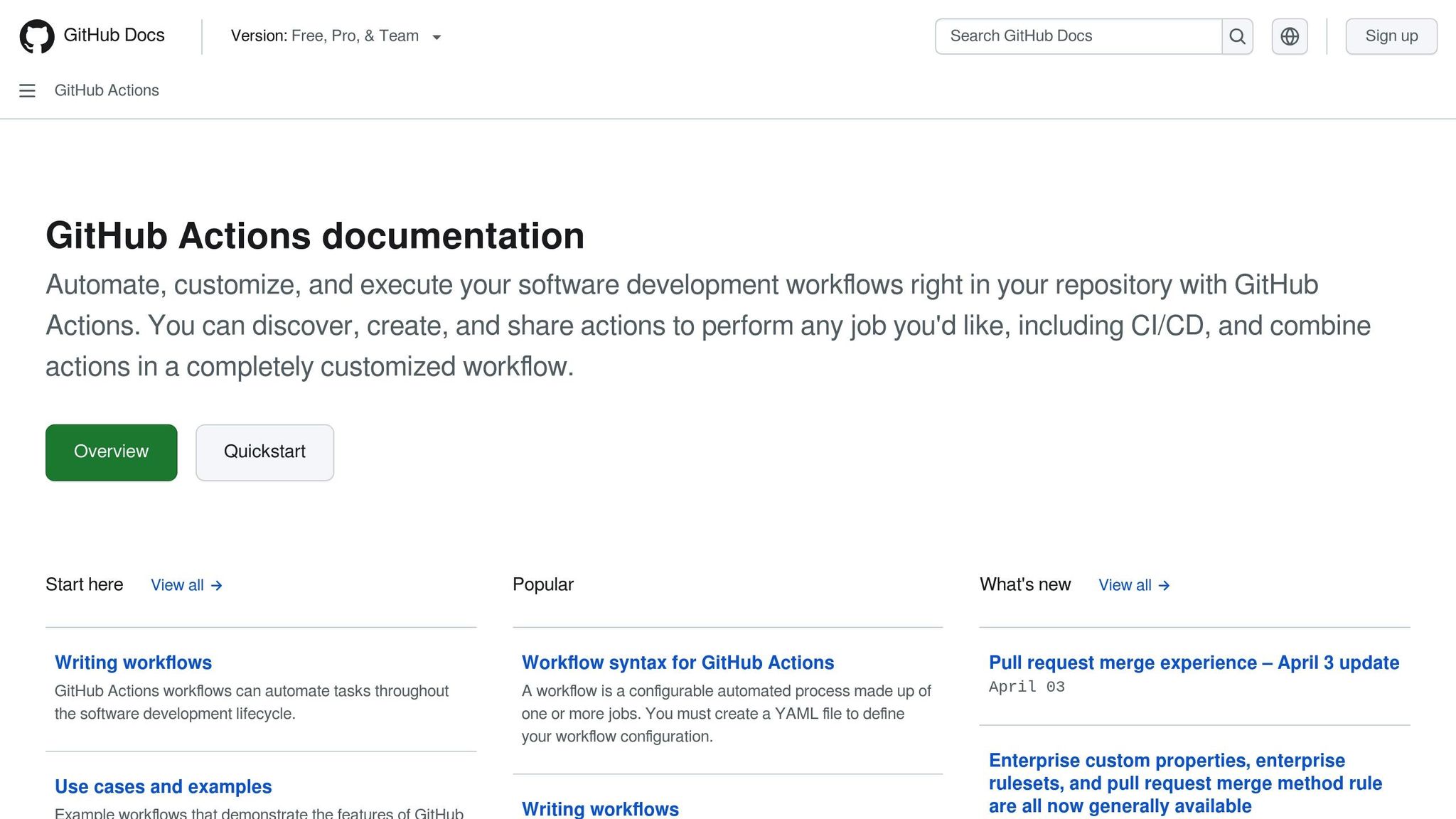
GitHub Actions offers automation features tailored for headless CMS deployments. Using the @xolvio/contentful-pipelines library, you can streamline content model migrations by:
- Automatically updating content types when components change
- Running migrations directly in production environments
- Keeping test data in sync with production
For Azure DevOps, the following deployment configuration can guide your setup:
| Pipeline Stage | Tool Integration | Purpose |
|---|---|---|
| Build | Azure Container Registry | Stores and versions images |
| Test | Azure Test Plans | Executes automated tests |
| Deploy | Azure Kubernetes Service | Manages container orchestration |
Once automation is in place, focus on integrating thorough testing to ensure reliable deployments.
Testing Integration
Adding testing to your CI/CD pipeline helps ensure every deployment is reliable. Key testing components to include are:
- Component Testing: Use Jest for unit tests to validate individual pieces of functionality.
- Integration Testing: Rely on Cypress for end-to-end testing to verify entire workflows.
- Visual Testing: Use Storybook to catch UI regressions and maintain consistency.
Set up quality gates at each pipeline stage to enforce testing standards. Your workflow should confirm both content model changes and component functionality before moving forward with deployments.
After testing is solidified, focus on securely orchestrating your containers with Kubernetes.
Kubernetes Deployment Guide
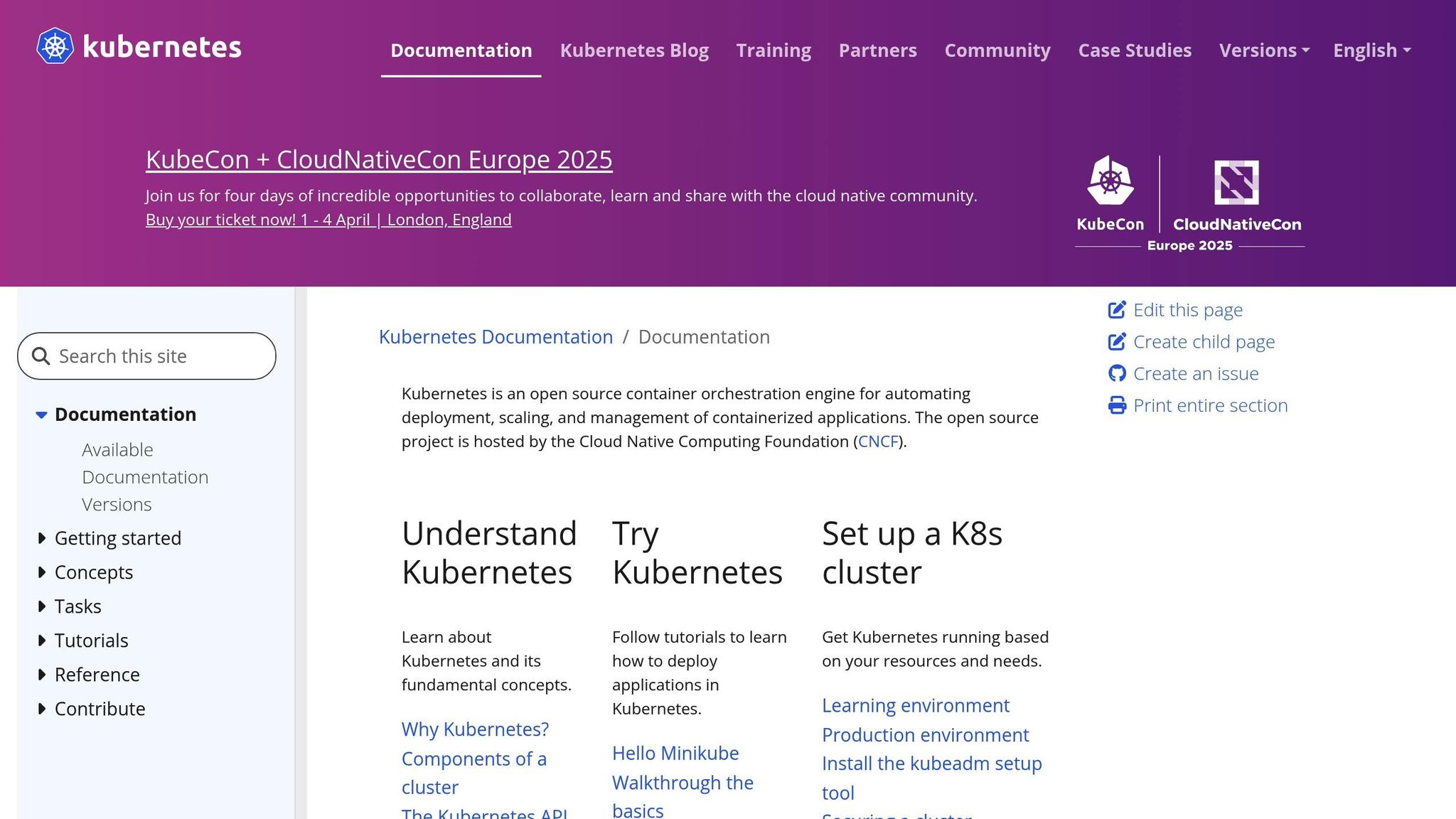
Deploying a headless CMS with Kubernetes requires careful setup. Key configuration steps include:
Environment Configuration:
Run separate AKS clusters (Dev and Prod) in distinct subscriptions/resource groups to ensure true isolation. Apply resource quotas and autoscaling per cluster, keep secrets in separate Key Vaults, and spin up ephemeral preview namespaces for pull requests.
Helm Chart Implementation:
Publish charts to Azure Container Registry as OCI artifacts and use semantic versioning. Maintain a base values.yaml with environment-specific overrides (e.g., values.dev.yaml, values.prod.yaml). Deploy with helm upgrade --install --atomic --wait, pin images by digest, and annotate releases with the Git SHA for traceability.
Security Configuration:
Run workloads as non-root with explicit UID/GID, set readOnlyRootFilesystem: true, and drop unnecessary Linux capabilities. Enforce namespace isolation with NetworkPolicies. Pull only signed/scanned, production-approved images from ACR, and apply least-privilege RBAC plus admission controls (e.g., Pod Security Standards, Gatekeeper/Kyverno).
Deploy using a push model, where Azure Pipelines agents communicate directly with your Azure Kubernetes Service (AKS) cluster. Establish organization-wide standards for container tagging, versioning, and resource naming to keep environments stable and secure.
This structured approach allows teams to work independently while maintaining system reliability and security, aligning with the version control and recovery strategies you’ve already set up.
Tips and Common Solutions
Building on a strong pipeline structure and detailed version control, these tips can help ensure fast and reliable deployments.
Speed and Efficiency Tips
Streamline your CI/CD pipeline by automating workflows and aligning content models with interface components. Here are some practical ways to improve efficiency:
- Validate content model changes automatically to ensure they meet component requirements.
- Use parallel testing to validate both content and components simultaneously.
- Set up environment-specific configurations for staging environments.
- Automate rollback processes to handle failed deployments with minimal disruption.
These strategies can significantly improve deployment speed and reliability, as shown in the examples below.
Success Examples
Xolvio worked with a major automotive client to overhaul their content management system. By using GitHub Actions for orchestration, they achieved impressive results:
- Development teams could independently work on separate components.
- Content model changes were validated automatically.
- Quality assurance became more efficient with automation.
- Switching between preview and live content was simplified.
The transformation was driven by three main strategies:
- Component Organization
Teams kept content types and UI components together, allowing for simultaneous updates. This reduced integration issues by 85% and sped up deployment cycles. - Migration Management
Automated content model migrations were integrated into the build process, ensuring consistency across environments and cutting manual efforts by 90%. - Quality Assurance
A custom widget enabled quick switching between preview and live content, reducing QA time by 70% while maintaining high accuracy.
This structured approach highlights how embedding content management into CI/CD pipelines can boost development speed and maintain top-quality standards.
Key Takeaways
Using CI/CD pipelines for headless CMS projects brings clear benefits to both development teams and content operations. Automated workflows play a key role in streamlining processes and improving efficiency.
Here are the main highlights of successful implementations:
- Automated Quality Checks: Changes to content models are automatically validated against component requirements, cutting down on integration issues.
- Simplified Development: Teams can work on individual components independently while maintaining consistent quality.
- Better Content Management: Programmatic handling of content models ensures smooth migrations and easier updates.
- Stronger Collaboration: Version control for components and content models allows teams to share resources without losing their independence.
Moving Forward
Building on these successes, you can focus on refining and future-proofing your pipeline strategy. Consider these steps:
- Organize Components Effectively
Align content types with interface components to make updates faster and maintenance easier, while minimizing team conflicts. - Streamline Migrations
Incorporate migrations into your CI/CD build process to ensure consistency across environments and maintain data accuracy. - Commit to Ongoing Improvement
Use monitoring tools to track performance and refine workflows by:- Reviewing automation processes regularly
- Optimizing build and deployment times
- Managing content model versions effectively
- Gathering team feedback for continuous enhancements
Share



Like (0)